

What's new in Labrador CMS this month?
Here are a couple of highlights from the newest update of Labrador CMS
Add hover effects to article teasers
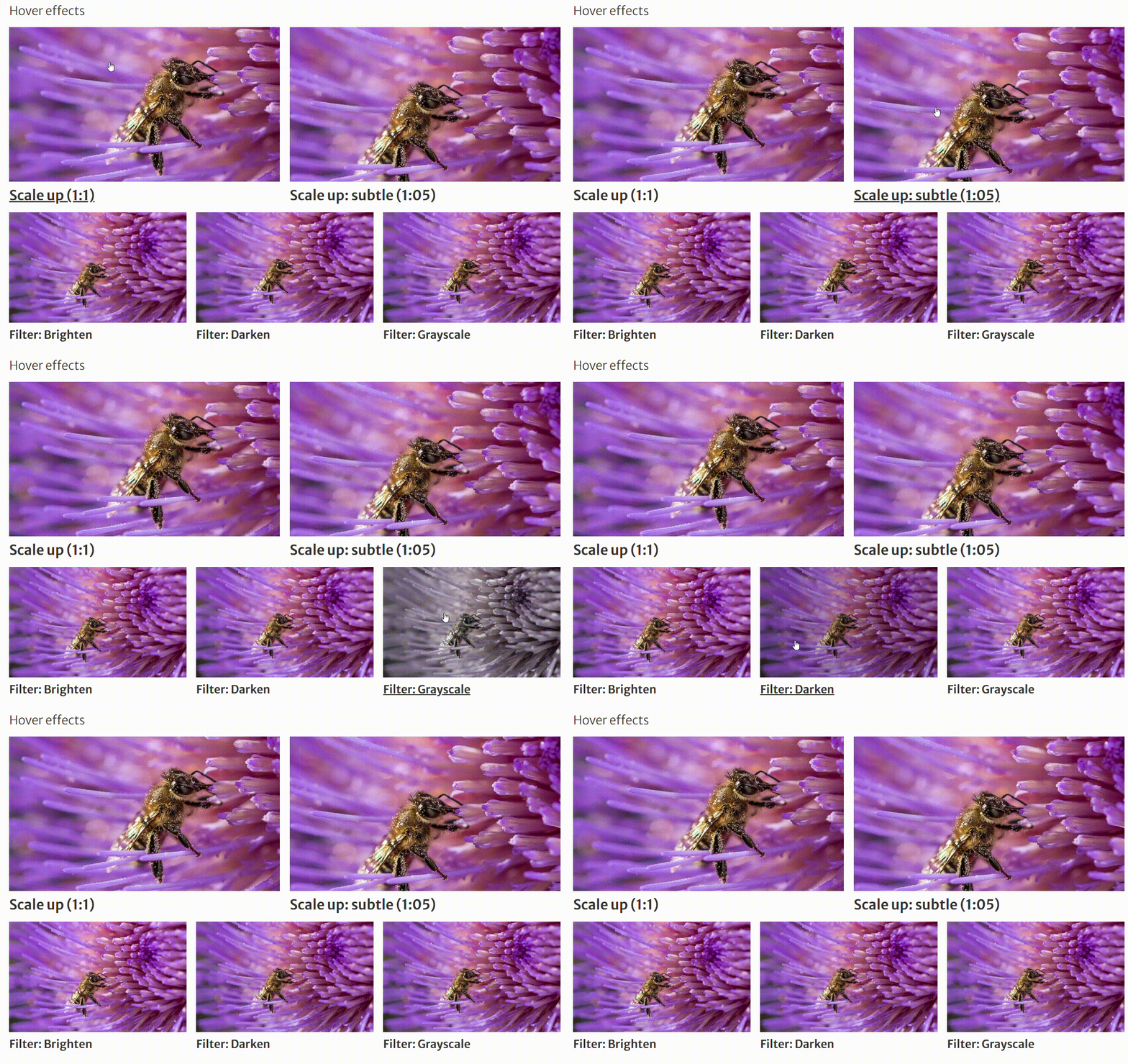
You can now add hover effects to images in article teasers. The effect triggers when a user hovers their cursor over the article.
Select between image scale up effects or add greyscale, dark or light filters. You will find the hover options in the article teaser menu for media options.
Showcase an author’s latest work

The newly added Author latest articles content box allows you to showcase your writer’s previous work automatically. Simply search for “Author latest articles” in the Content menu and drag and drop it into your article.
The content box will also adapt if the article has more than one byline. If there are no articles associated with the article’s byline, the content box simply won’t appear in the live version of your article. Labrador’s flexible editing also allows you to style the box to match your overall brand - set colors, hide/display content and place it wherever you want within the article.
Use RSS-feeds on your front pages

You can now add external RSS feeds to Labrador. These feeds can be used to add external content to your front page as article teasers with images, title and subtitles.
All you need is the RSS feed URL. You can then use it to create a feed in Admin > Feeds. Just add the URL and set the format to RSS/Atom. The feed you set up can now be used as an automatic article on your front page.
Please note that the rights to images provided in RSS feeds might be restricted. Make sure to familiarize yourself with the guidelines for the RSS feed you are using. Remember that you can always choose to hide the media element for the automated article if you are unsure.
Control hyphens across all content
In Admin > Font styles, you can specify if text should be hyphenated automatically, manually or not at all.
You can even give different specifications for different fields - for instance you can control hyphens on article titles manually, but enable automatic hyphens for fact box titles. This gives you complete control of how your text is formatted across all content.
How to find all updates
For a complete list of updates, visit the help center and look for product updates. You can find our help center by clicking “H” on your keyboard when editing an article.

